Real Estate Photography App or Desktop Software: Which Should Run Your Editing?
For most working real estate photographers, a real estate photography app that edits in the cloud is the better place to run day-to-day editing, because it turns brackets into finished photos without tying up your computer or your evenings. Desktop software still makes sense for the occasional hero image you want to finish by hand. AutoHDR runs in the browser on desktop or phone, so you can upload from wherever the shoot ends.
The right answer depends on how many homes you shoot and how much of your week editing currently takes.
What's the difference between a photography app and desktop editing software?
A cloud-based photography app does the editing on its own servers. You upload the files, the app merges and corrects them, and you download or deliver the results. Desktop software, like Lightroom or Photoshop, does all of the work on your own machine, and you control every slider yourself.
The biggest difference is what you're doing while the editing runs.
With desktop software, a 40-photo listing shot in five-exposure brackets means 200 files to sort, merge, mask and correct by hand. With an app, those same 200 files go up in one upload and come back as 40 finished images.
When does a real estate photography app make more sense?
An app makes more sense once editing becomes the slowest part of your business. If you're shooting several homes a day, the hours at the computer add up quickly, and they're hours you can't spend shooting or finding new clients.
These are the signs it's time to move:
- you're editing late at night to hit next-morning delivery
- agents ask for same-day turnaround and you can't offer it
- your edits look slightly different from one listing to the next
- you're paying an outsourced editor and waiting a day or more for files
Consistency gets overlooked. When you edit by hand, a gallery edited at 11pm doesn't always match the one edited at 10am. An AI editor applies the same decisions to every photo, so the kitchen and the bedroom look like they were shot in the same house on the same day.
When is desktop software still the right tool?
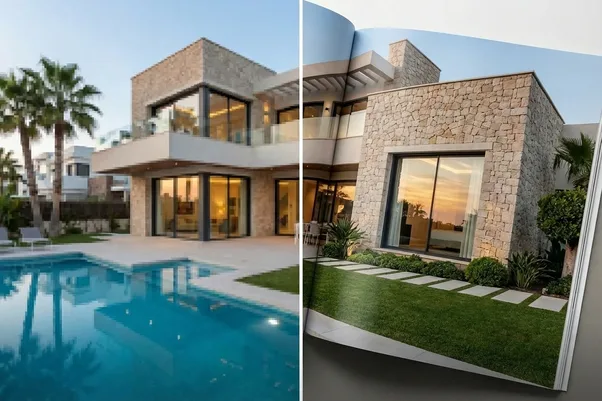
Desktop software is still the right tool when you want total manual control over a small number of images. A magazine-style hero shot for a luxury listing, or a creative edit that breaks the usual rules, is better done by hand.
It's also useful as a finishing step. Plenty of photographers run the full gallery through an app, then pull one or two images into Photoshop for a final touch. That's a reasonable split. You get the speed on the 95% of photos that just need to be right, and the control on the few that need to be special.
What doesn't scale is doing the routine work by hand. Window pulls, vertical correction and white balance on every photo of every listing is the part worth handing off.
What should a real estate photography app actually do?
A good real estate photography app should handle the whole job from upload to delivery, not just one step of it. Here's what we'd check:
Uploads. It should accept full bracket sets in RAW and JPEG, group the brackets for you, and let you upload from a phone as well as a computer. AutoHDR accepts both formats (JPEG processes fastest) and is built for mobile browsers, so you can upload straight from your camera roll or an SD card adapter. Our upload guide covers the details.
The edit itself. HDR merging, window pulls, vertical correction, white balance and sky replacement should all happen automatically. Ask whether there are different editing styles to match your look, rather than one house style for everyone.
Fixes after the edit. You'll always want to change something. Look for a way to re-edit a single photo, remove an object or change a sky without starting the whole listing again.
Delivery. The best setups put the finished photos where they need to go without a manual download and re-upload. AutoHDR connects with Aryeo, HD PhotoHub, Spiro, Tonomo and Dropbox.
Pricing that matches your volume. Check how credits or per-photo pricing work against the number of listings you shoot in a busy month, not a quiet one.
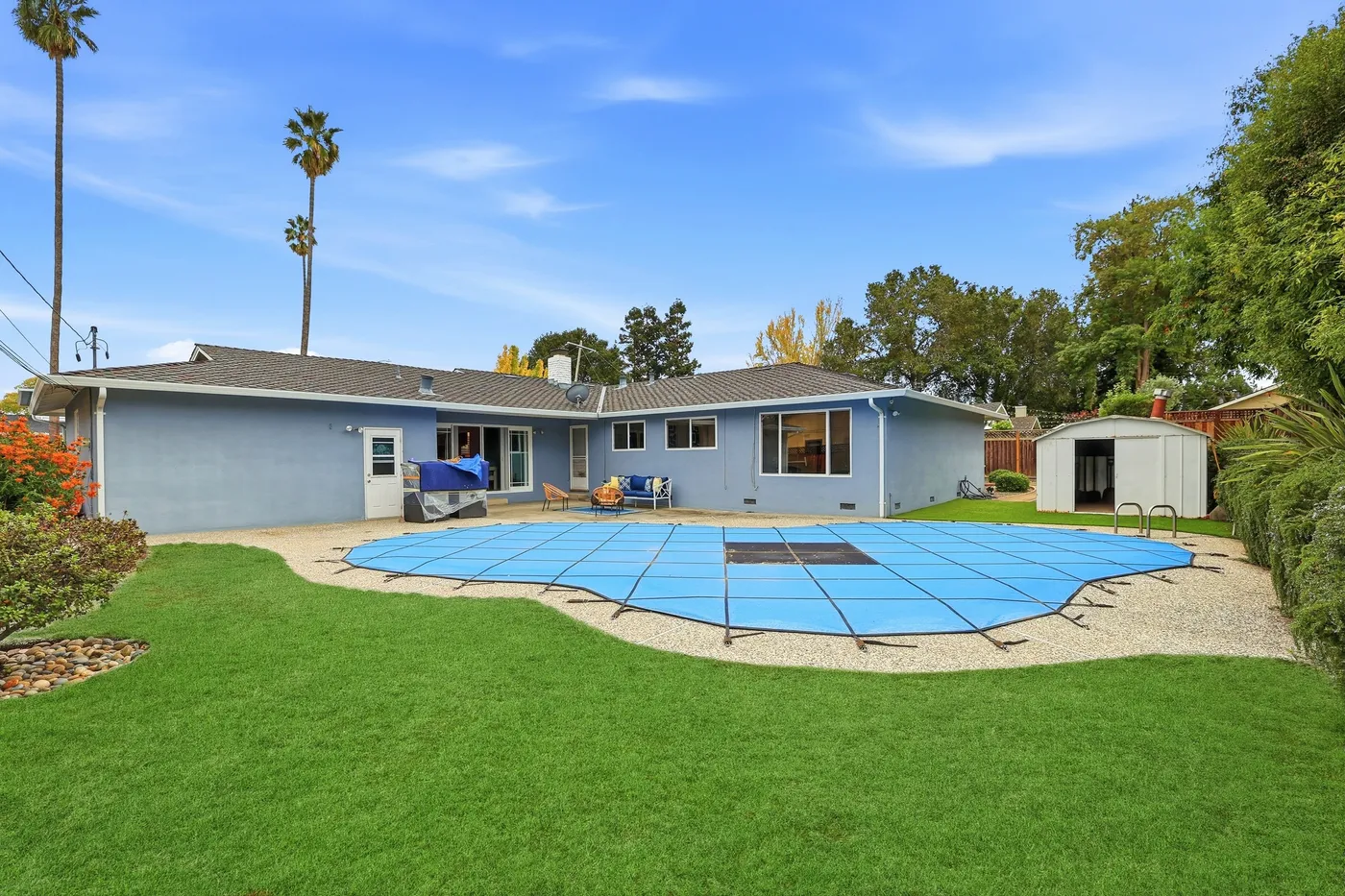
The same photo before the re-edit.
Should your real estate photography app be mobile or browser-based?
A browser-based editor that works properly on mobile gives you most of the benefits of a native app without another thing to install or update. You log in, upload and check results from any device.
The real question is whether you can upload from the field. If you can send brackets from your phone or a card reader before you've left the driveway, the edit is often done by the time you get to the next shoot. Most of the time saving comes from exactly that.
One practical tip: upload each listing as its own project. Mixing two properties in one upload makes the results harder to organize and can slow processing down.
What does a real estate photography app cost compared with desktop software?
Compare the full cost of each setup, not just the subscription price. Desktop software is cheap to license, but the real cost is your time. If editing a listing by hand takes two hours and you shoot 15 listings a week, that's 30 hours of editing every week.
An app costs more per photo than doing it yourself in theory, and much less once you count those hours. If you're currently paying an outsourced editor, compare their per-photo rate and turnaround with the app's. With AutoHDR, once a credit is used on a photo you can make as many basic adjustments as you like and download it as many times as you need at no extra charge.
How to switch to a real estate photography app without risking a client's listing
Don't move every client over on day one. Run the app alongside your current workflow for a week or two, edit a few listings both ways, and compare them side by side. Pick the editing style that's closest to your own look and check that it holds up in dark rooms as well as bright ones.
Once you're happy, set up the integration with your delivery platform so uploads and deliveries happen on their own. That's usually the point where photographers stop opening their desktop software for anything but the odd hero shot.
Try it on your next listing
Run your next shoot through AutoHDR as your real estate photography app and compare the result with your current edit. Plans and credit options are on our pricing page.
FAQs
What is the best real estate photography app?
The best app is the one that handles your full workflow, from bracket upload to delivery, with edits you're happy to send without retouching. Test a few listings before you commit.
Can I edit real estate photos on my phone?
You can upload and manage edits from your phone with a browser-based editor like AutoHDR. The editing itself happens in the cloud, so your phone doesn't need to do the heavy processing.
Does a photography app replace Lightroom?
For routine listing edits, it can. Many photographers keep Lightroom or Photoshop for the occasional creative or hero image.
Can an app handle RAW files?
AutoHDR handles RAW files as well as JPEGs. RAW can take slightly longer to process than JPEG.
How long do edited files stay available?
In AutoHDR, uploads and final exports are stored for seven days, then archived and deleted. Download or deliver your files within that window.